
The Family Photo Digitizing Handbook
A clear starting point for scanning and creating digital copies
$46.37View ebook

Thoughtful ebooks for scanning, sorting, labeling, and safeguarding treasured images in a simple, manageable way.
Explore the ebooks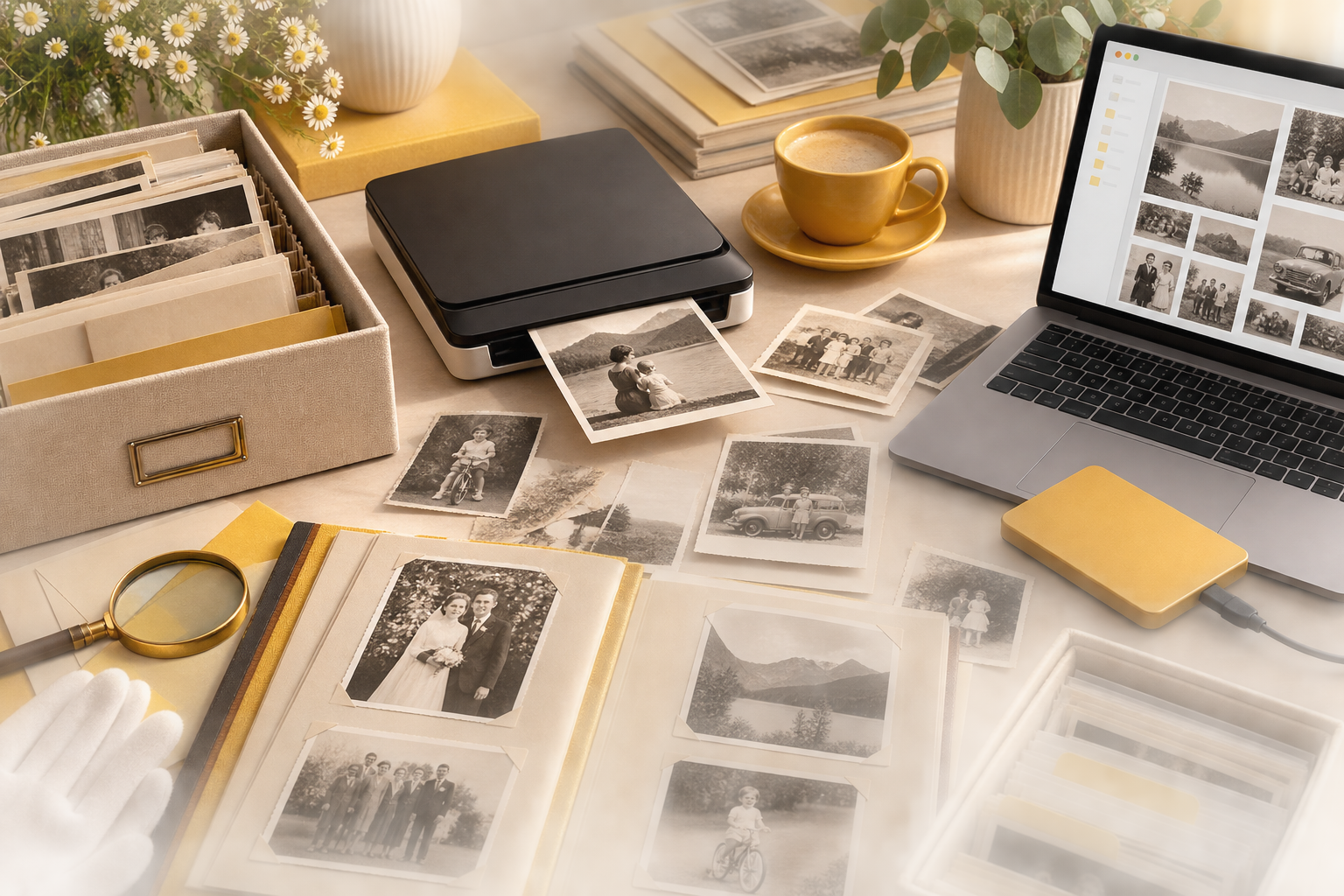
Explore a practical ebook designed to help you sort old prints, scan them clearly, label them thoughtfully, and build a digital archive that is easier to keep and revisit.
Family photo projects often feel overwhelming when images are spread across boxes, albums, envelopes, and devices. A clear process makes it easier to move from clutter to an organized digital collection.
Printed photos, loose negatives, framed pictures, and digital files can end up in many places without a single organizing system.
Important details like dates, locations, and family names are easy to lose when images are not labeled consistently.
Choosing file formats, folder structures, and backup options can feel confusing without a practical preservation plan.
It is easier to postpone the project when the work feels too large and there is no clear sequence to follow.
A simple framework can make preservation more manageable.
See how it worksUse this digital ebook to follow a practical workflow for sorting, scanning, naming, storing, and preserving older family photographs with more clarity and consistency.
Start by identifying what you have, separating formats, and deciding which groups of images to process first.
Learn a straightforward approach to scanning, naming, and arranging image files so they are easier to search and maintain.
Set up sensible storage and backup habits that support long-term access to your family photo collection.
A clear starting point for scanning and creating digital copies

Simple systems for sorting, labeling, and finding images later

Practical care, storage, and backup guidance for lasting access
Learn how to sort printed photographs, create a simple workflow, and prepare old family images for scanning without turning the process into a confusing project.
Understand practical ways to label folders, rename files, and group images by family branch, year, event, or location so your digital collection stays easy to browse.
Explore how to back up digital photo files, store originals more carefully, and keep important family memories accessible across devices and over time.
See what the guide covers and whether its practical approach fits the kind of help you want with family photo preservation.
This product is a digital ebook. It is designed to be read on your phone, tablet, or computer and focuses on practical guidance for digitizing, organizing, and preserving family photographs.
No. The guide is written for readers who want a practical and approachable way to begin working with old family photos, even if they are starting from the basics.
It covers preparation for scanning, digital file organization, naming systems, folder structure, backup planning, and simple ways to keep family photo collections easier to preserve and revisit.
No. While it is especially useful for older printed family photos, the organization and preservation methods can also help with mixed collections that include newer scanned or digital images.
Yes. A key focus of the ebook is creating a practical structure for sorting images so your archive is easier to search, understand, and maintain over time.
The main emphasis is on preservation, digitization, and organization. It is intended to help you build a clearer system for family photographs rather than serve as a detailed photo editing manual.